Android TV Box Kiosk‑Mode Customization for Hotel & Digital Signage Deployments
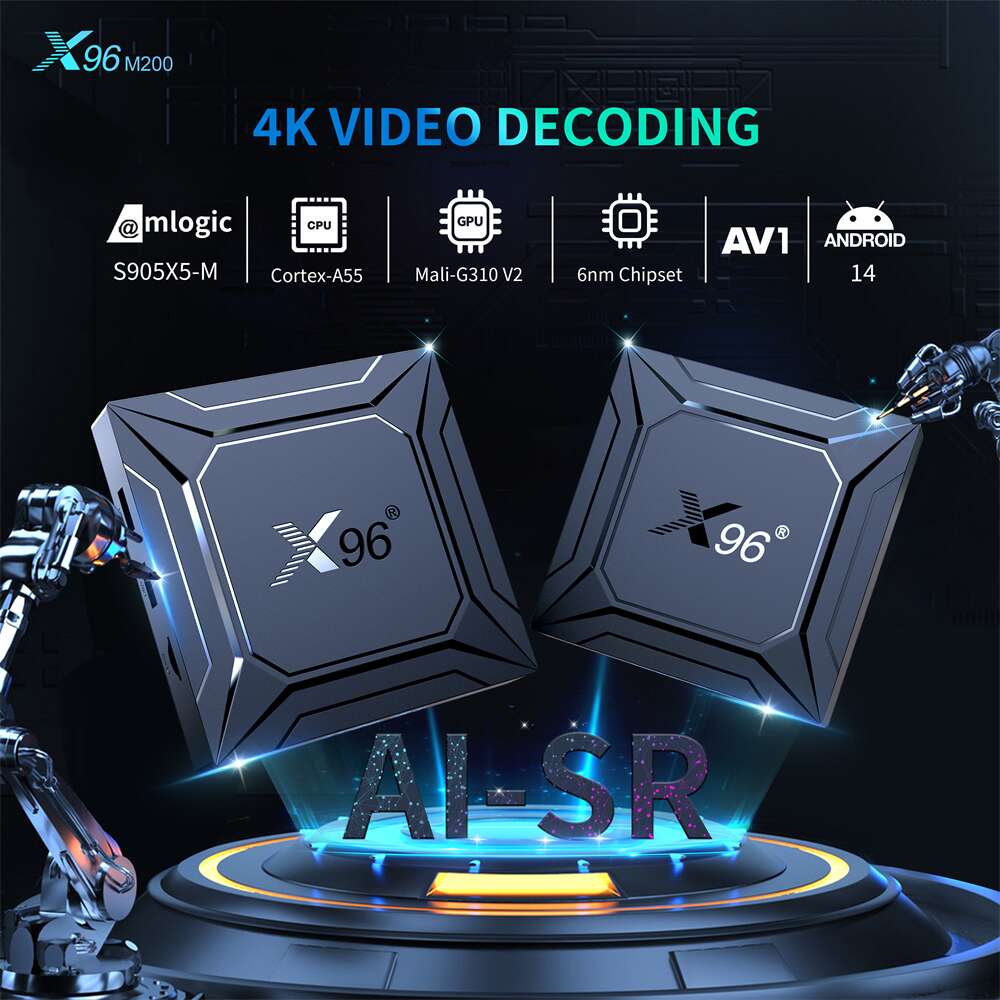
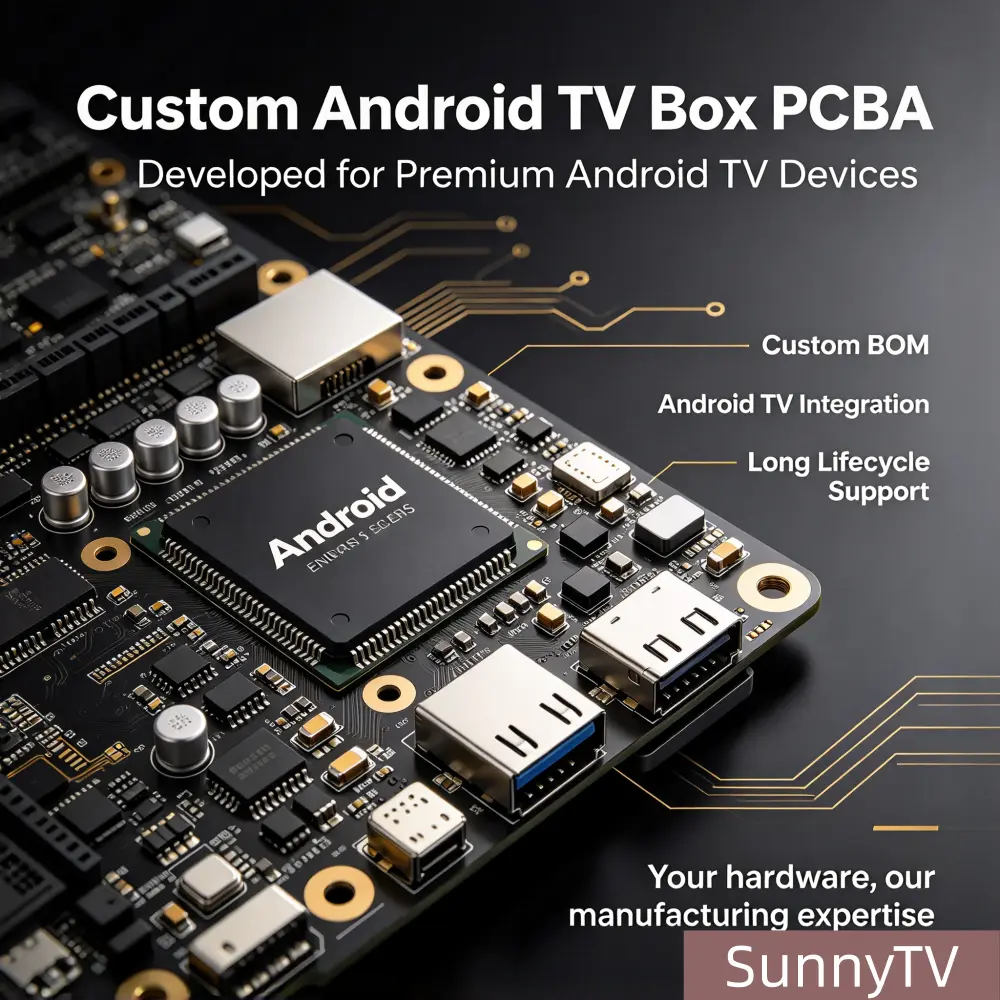
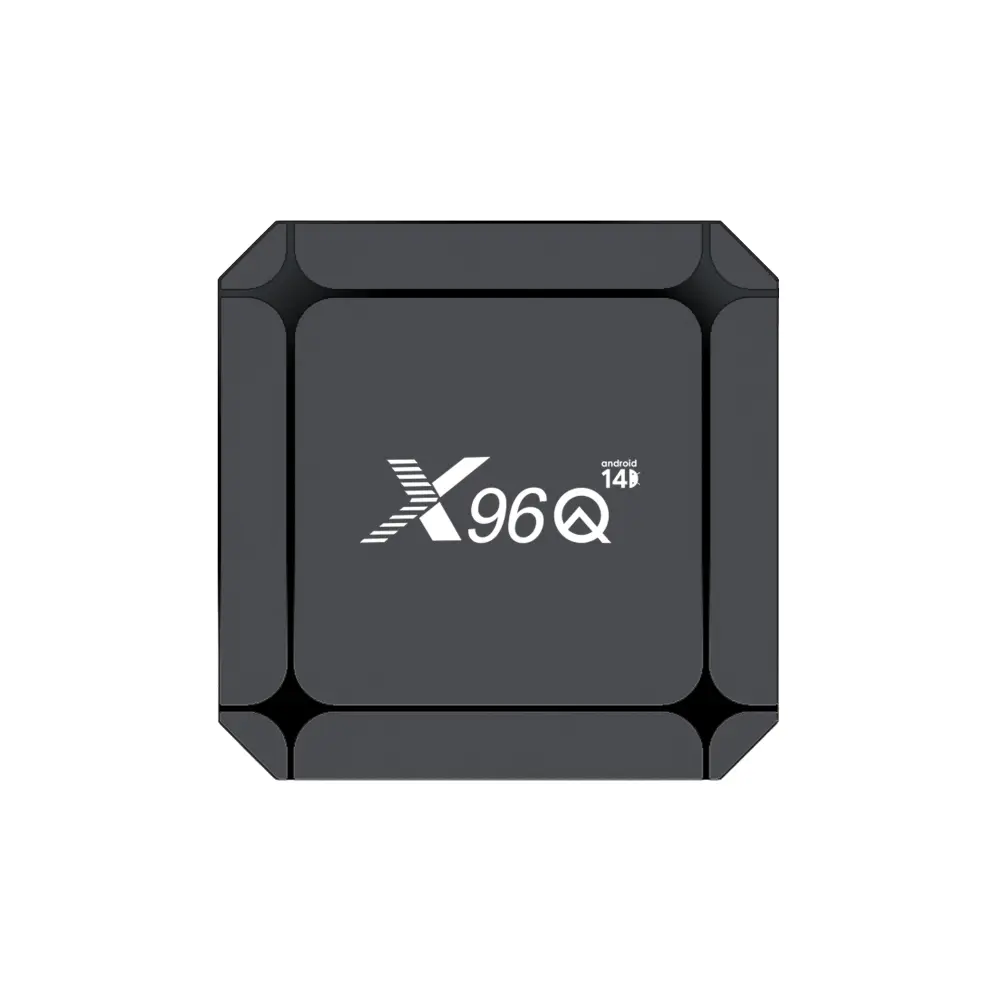
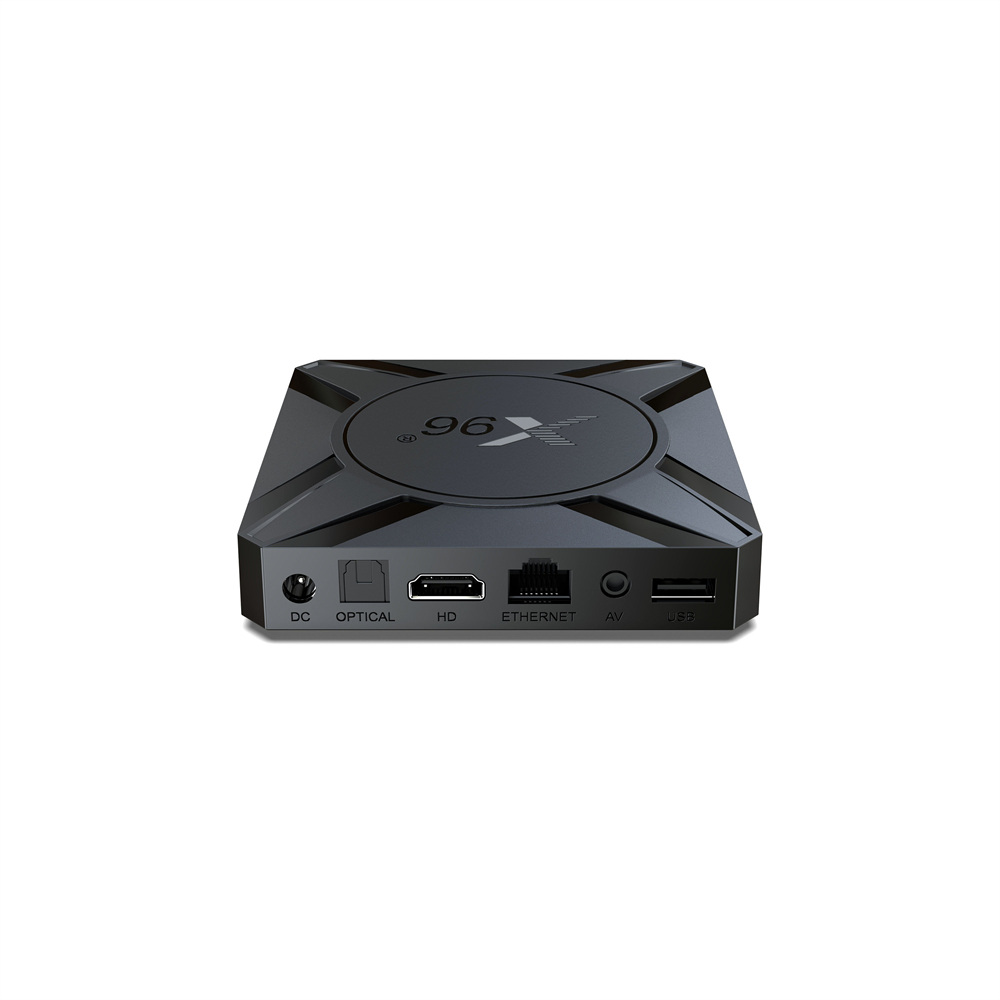
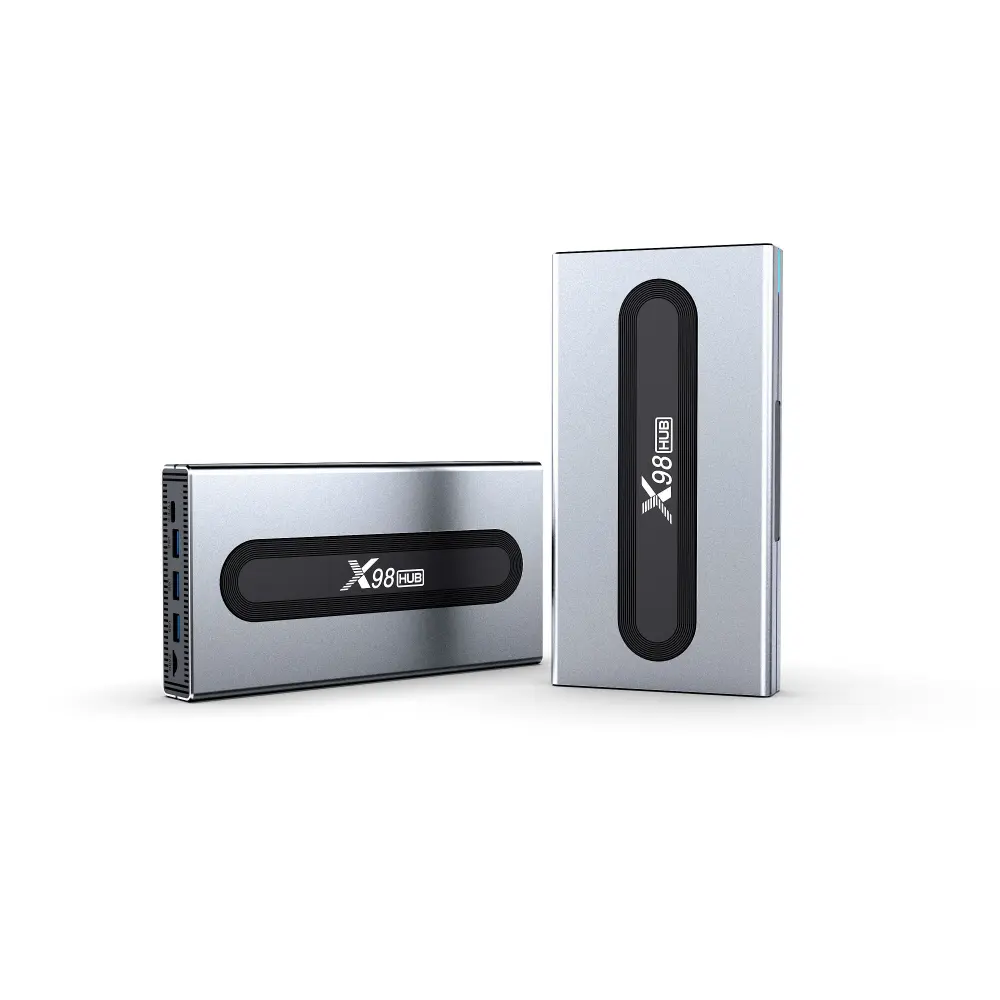
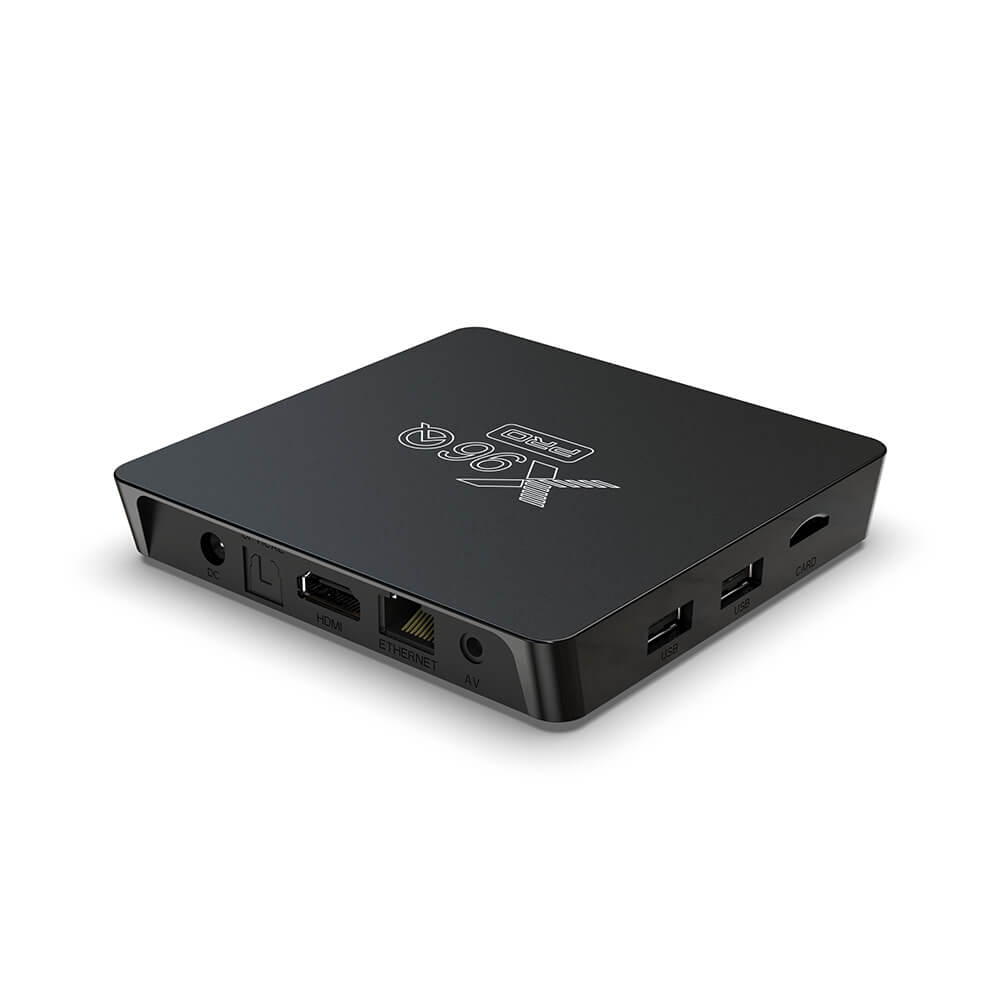
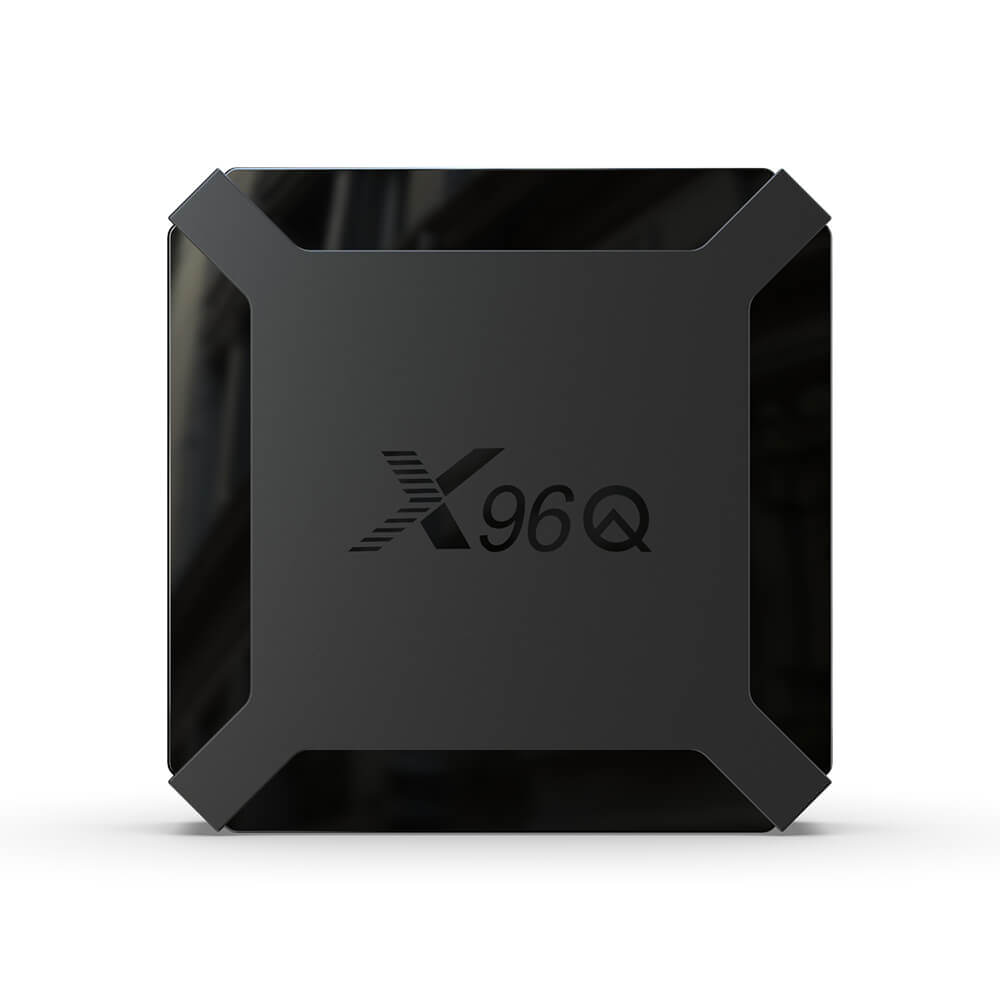
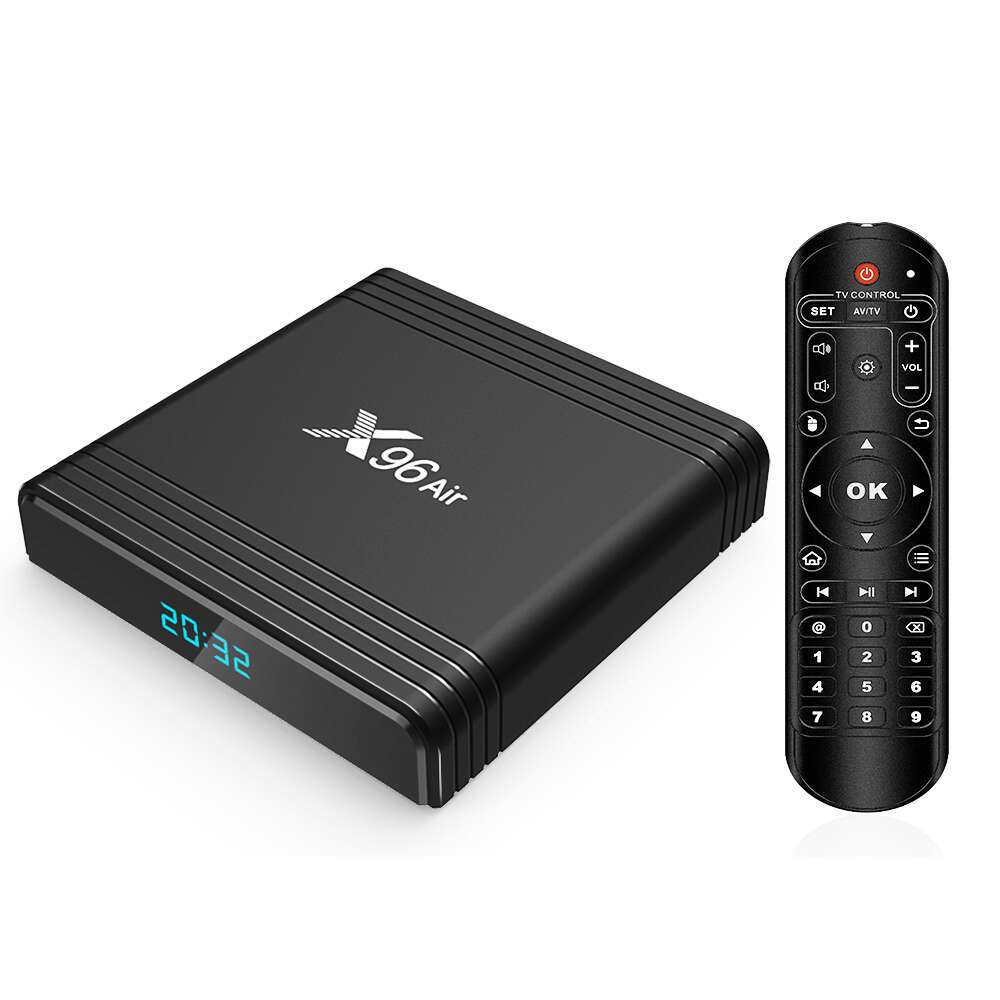
Standard consumer-grade Android TV boxes feature open system interfaces, accessible settings, and unrestricted app navigation. These work well for home entertainment but are unsuitable for commercial deployments. For hotel in-room entertainment, lobby advertising screens, retail digital signage, corporate display terminals and public broadcasting systems, devices must operate in a locked, dedicated operating state known as kiosk mode. Kiosk mode customization converts ordinary Android TV boxes into professional commercial terminals by locking the system to specified applications, hiding system menus, blocking unauthorized access and preventing manual tampering. This comprehensive guide covers core principles, two deployment modes, hotel-specific customization logic, digital signage locking schemes, deep firmware modification, security hardening and large-scale fleet management solutions. It helps B2B buyers and project integrators build stable, secure and fully controllable commercial display systems. Check our compatible commercial hardware platforms: OEM Amlogic TV Boxes for kiosk firmware deployment.
1. What Is Android TV Box Kiosk Mode & Why Commercial Projects Need It
Kiosk mode is a dedicated system lockdown mechanism native to the Android operating system, built specifically for unattended commercial hardware. Unlike regular user mode that supports multitasking and free system navigation, kiosk mode restricts device functions to pre-approved applications and customized UIs, isolating redundant system features and unauthorized operations. For hotel and digital signage deployments, regular TV boxes without kiosk customization carry many uncontrollable risks that undermine project stability and increase operational overhead.
In hotel deployments, guest-operated TV boxes often suffer from human interference. Guests may freely access system settings, alter network parameters, uninstall preloaded hotel service apps, browse unapproved websites, download third-party software or even trigger factory resets. This causes loss of branded hotel service interfaces, disrupted room networks and heavier maintenance workloads. For digital signage installed in shopping malls, streets and office buildings, unattended devices can exit playback apps or jump to unintended screens from accidental remote-control input, interrupting ad playback and hurting brand presentation value.
Professional kiosk-mode customization resolves these core pain points by fully locking TV box hardware: auto-launch of a fixed application, hidden status bar and navigation controls, blocked app switching, restricted access to system settings and disabled APK installation via USB. It also supports auto-restart and crash recovery. Whether for small hotel room rollouts or large chain digital signage fleets, kiosk mode is a core requirement for commercial Android TV box solutions and a key technical distinction between consumer hardware and OEM commercial terminals.
2. Two Core Kiosk Modes: Single-App vs Multi-App Lockdown
Based on different commercial requirements, Android TV box kiosk customization falls into single-app kiosk mode and multi-app kiosk mode. The two options differ in lock strength and suitable use cases. Buyers should select targeted customization schemes according to project functions to avoid over-restriction or insufficient permission control.
2.1 Single-App Kiosk Mode (Full Lockdown)
Single-app kiosk mode delivers the highest level of system locking, forcing the TV box to run only one designated application continuously. On power-up, the device automatically launches the target program. All system navigation functions are masked, including home, back and recent-task remote keys. App switching or system exit is prohibited. Even if the application crashes and restarts, the system reverts to the locked program instead of falling back to the Android desktop.
This mode fits fixed-function pure playback scenarios, such as commercial digital signage ad players, mall promotional displays, enterprise info terminals and unattended loop playback hardware. These use cases do not require multi-app switching; they only demand stable long-term looping of video, image and brand assets. Full single-app locking maximizes anti-interference and device stability.
2.2 Multi-App Kiosk Mode (Semi-Locked Customization)
Multi-app kiosk mode enables whitelisting for multiple approved applications. The system permits only preauthorized software and blocks all unapproved third-party apps. System settings, app stores, browsers and other high-risk functions are hidden. End users can switch between whitelisted applications but cannot escape the branded commercial UI to reach native Android.
This configuration is ideal for hotel in-room entertainment. Hotel TV boxes need to integrate multiple modules: hotel introduction, room service ordering, dining reservations, attraction recommendations and video-on-demand. Multi-app kiosk mode isolates irrelevant system features while preserving guest-facing services, so visitors can use hotel functions without risk of system tampering or configuration drift.
3. Hotel-Specific Kiosk Mode Customization Solutions
Hotel TV box kiosk customization prioritizes service standardization, intuitive user operation and low maintenance. Unlike simple signage playback locks, hotel deployments must balance guest UX and system security, requiring a dedicated customization workflow and functional standards.
3.1 Custom Hotel Brand Launcher & Boot Lock
The foundation of hotel kiosk customization is replacing the native Android desktop with a hotel-branded launcher. Through firmware-level modification, we remove the default home screen and set the custom hotel service interface as the sole boot destination for one-touch entry after power-on. Custom boot logos and animations matching hotel brand identity fully mask the original TV box vendor branding, elevating the premium in-room experience and enabling white-label customization.
To prevent guests from bypassing the launcher via system loopholes, the customization disables desktop shortcut triggers and long-press home-key popups. The hotel service app retains top desktop priority, ensuring users remain confined to the branded hotel interface regardless of input actions.
3.2 Permission Isolation & Guest Operation Restriction
For hotel environments, we implement granular permission isolation: hide system setting entry completely, prevent guests from modifying Wi‑Fi, display resolution, system time, accounts and passwords; disable browser and app download permissions to block access to unapproved websites and junk software that causes lag; suppress system update prompts to avoid functional mismatch and broken UI after automatic OS upgrades.
We also support differentiated guest access rights. Guests retain normal video playback and reservation functions while system-level modifications remain locked. This creates a “usable but not configurable” rule that preserves smooth service and avoids device faults caused by human misoperation.
3.3 Automatic Recovery & Intelligent Maintenance Mechanism
Hotel devices stay on standby with frequent user turnover. Kiosk customization adds intelligent auto-recovery: app restart after crash, UI reset after exit, scheduled garbage collection and timed power on/off aligned with hotel operating hours. These features drastically reduce manual maintenance visits, prevent memory leaks and lag from long uptime, and maintain year-round stable operation.
4. Digital Signage Dedicated Kiosk Locking Scheme
Digital signage deployments require 24/7 uninterrupted playback, zero on-site intervention and remote controllability. Kiosk customization for signage focuses on maximum stability and tamper resistance, with logic distinct from hotel setups.
4.1 Full-Automatic Loop Playback Lock
For advertising and public display hardware, continuous asset looping is the core requirement. After kiosk locking, the TV box launches the playback app automatically on power-up and supports seamless video/image looping. All system popups and notifications are suppressed to eliminate playback interruptions and ensure complete commercial content delivery.
System auto-sleep and screen timeout are disabled to maintain 24-hour operation, resolving black-screen standby interruptions common on stock Android hardware after idle periods.
4.2 Remote Content Update & Batch Management
Digital signage hardware is geographically dispersed, making manual on-site adjustments impractical. Professional kiosk customization supports integration with MDM remote management platforms. Administrators can push media assets, update app versions, tune playback parameters and monitor device status in bulk via a backend dashboard. All remote operations run inside the locked kiosk environment without breaking the system lockdown, ensuring consistent and up-to-date content across all displays.
4.3 Hardware Anti-Tampering Locking
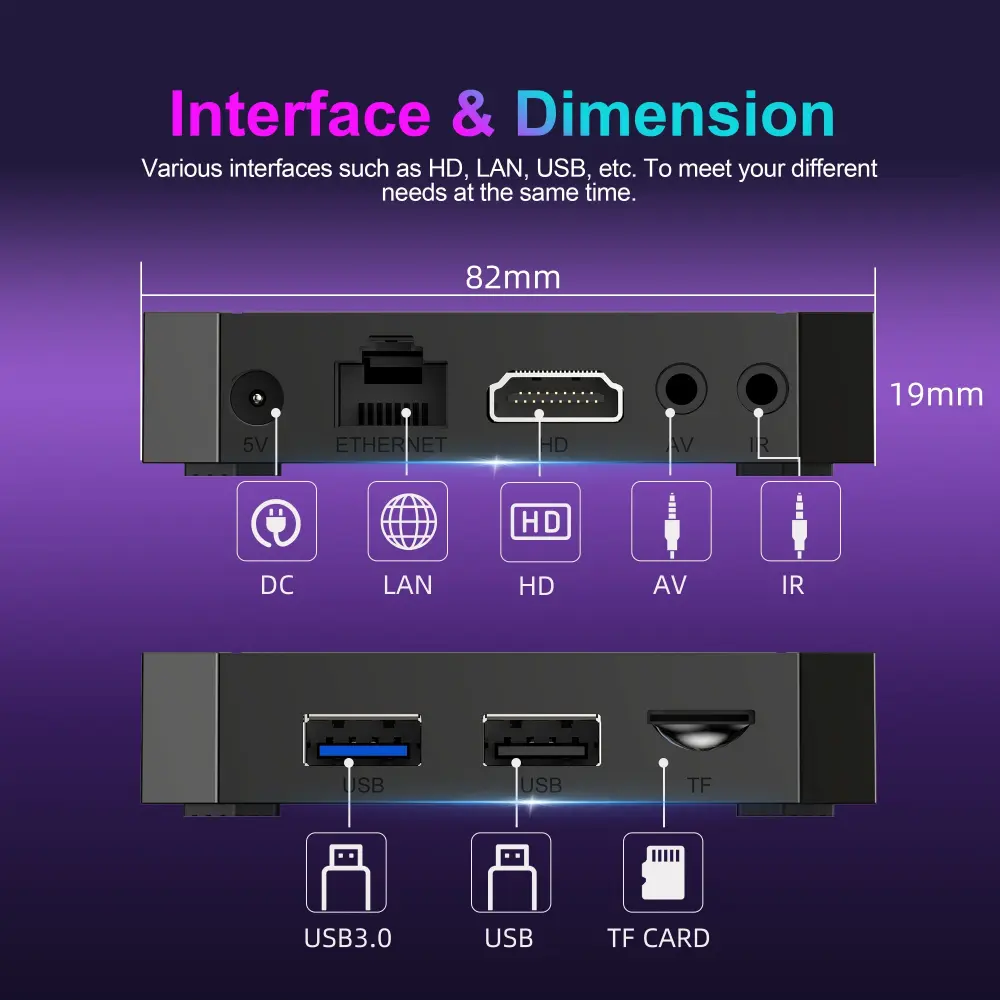
Public unattended deployments require protection against physical misoperation and tampering. Deep kiosk customization disables USB mounting and external storage read/write access, blocking APK installation from USB drives and hard disks to prevent unauthorized software and malware. Special remote-control hotkeys are masked to stop accidental exits triggered by passersby or children, delivering full software-and-hardware anti-interference protection.
5. Software Lock vs Firmware-Level Deep Customization (Core Difference)
Many low-cost kiosk TV box solutions rely only on third-party management software for surface-level locking, which contains obvious loopholes and can be bypassed easily. Professional B2B OEM manufacturers deliver firmware-level deep kiosk customization, fundamentally different from simple software locks.
5.1 Ordinary Software Lock (Disadvantages)
Third-party MDM software locking is simple and low-cost but carries major vulnerabilities: the locking service may fail to start after reboot; app crashes drop back to the native desktop; users can bypass restrictions via factory reset; background software consumes resources and causes lag; underlying system permissions remain exposed, resulting in weak security. It suits only temporary small-scale trials and cannot meet requirements for long-term commercial project rollouts.
5.2 Firmware-Level Deep Kiosk Customization (Advantages)
OEM firmware modification is built on secondary AOSP source-code development, baking kiosk lockdown directly into the system kernel for persistent, hard-to-bypass protection. Once firmware is flashed, locking activates permanently with no third-party apps required. There is minimal resource overhead, faster system performance and improved stability. It deeply restricts low-level system permissions, disables factory reset, locks USB permissions and hardens boot application logic, eliminating most known attack vectors. This is the standard solution for formal hotel engineering and large-scale digital signage projects.
6. Key Technical Configuration Items for Standard Kiosk Customization
Formal OEM kiosk mode projects require standardized technical configuration to guarantee consistent hardware performance and locking effectiveness. The core items cover boot logic, permission control, UI optimization and exception handling, and serve as acceptance criteria for buyers.
- Fixed boot program: Custom startup APP, auto-launch after power-on, no desktop fallback
- System function shielding: Hide settings, app store, browser, Bluetooth and system updates
- Remote control key locking: Disable home, back and menu shortcuts; retain only project-required keys
- USB permission lockdown: Block external storage access and APK installation, prevent malicious file injection
- Automatic error recovery: Auto-restart on app crash, reset UI after abnormal exit
- No sleep & no standby: Disable sleep and screensaver to support 24/7 continuous operation
- Custom boot animation & LOGO: Replace default startup branding for white-label customization
- Background cleaning optimization: Shut down redundant background services and improve long-run stability
7. Common Customization Mistakes & Project Avoidance Strategies
During kiosk-mode procurement, many buyers select unprofessional vendors and suffer project failures and inflated costs. Understanding common pitfalls helps standardize procurement and reduce risk.
The first frequent error is confusing software locking with firmware locking. Many suppliers claim deep kiosk customization but merely install free third-party locking tools. After reboot or crash, the lock fails, causing frequent system disruption for hotel and signage deployments. Buyers must confirm upfront whether the solution uses kernel-hardened firmware customization and request long-run validated samples for testing.
The second mistake is applying one-size-fits-all full locking without scenario differentiation. Using single-app full lock for multi-service hotel deployments blocks required service switching and hurts guest experience; applying multi-app lock for single-purpose signage leaves extra system attack surfaces and exit risks. Professional vendors design differentiated locking schemes balancing security and practicality.
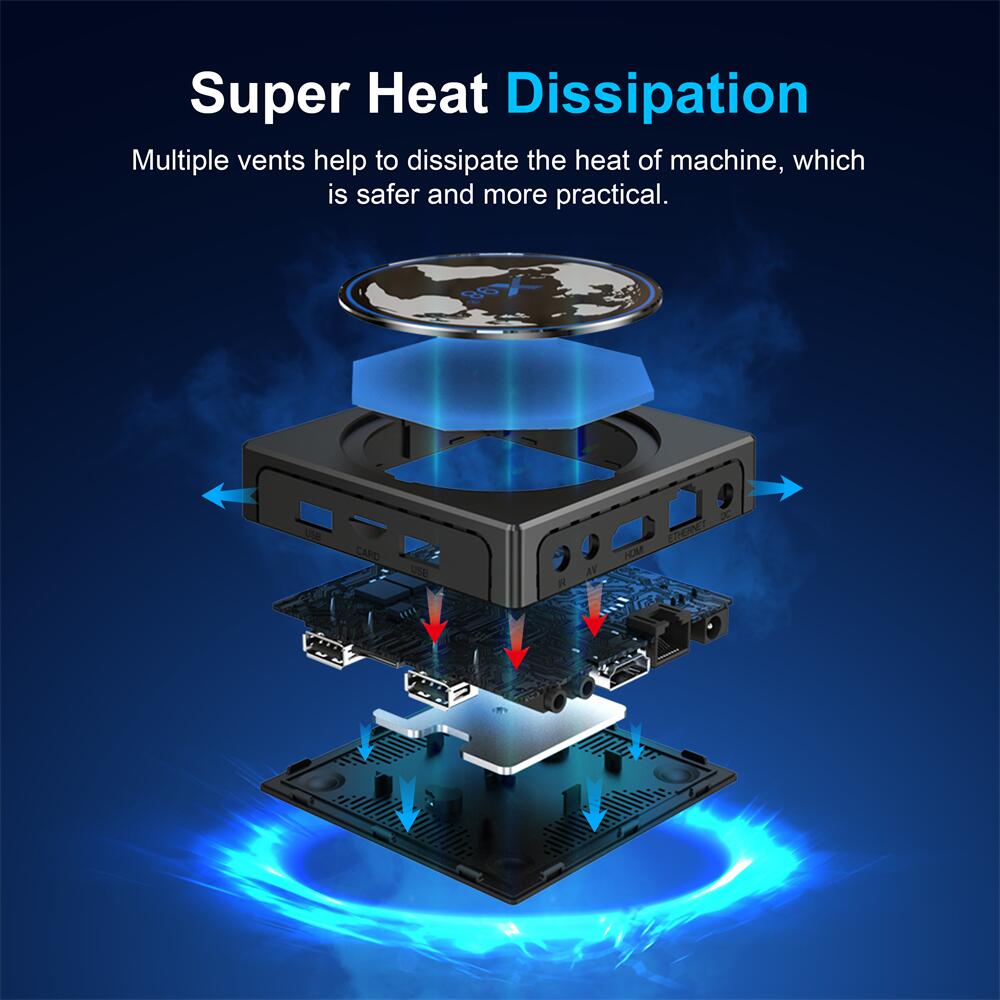
The third oversight is skipping long-term stability validation. Consumer TV boxes are not engineered for 24/7 runtime. Even with simple kiosk locking, prolonged operation can trigger overheating, crashes and eMMC wear. Formal OEM customization includes thermal tuning, background resource optimization and continuous aging testing to ensure reliable long-run performance in commercial environments.
8. Conclusion: Value of Professional Kiosk-Mode OEM Customization
Android TV box kiosk-mode customization is not a simple system setting tweak, but a systematic commercial firmware transformation solution. For hotel in-room entertainment, it standardizes service interfaces, cuts maintenance expense, strengthens hotel brand image and prevents device disruption caused by guest misoperation. For digital signage projects, it enables unattended stable operation, remote fleet management and continuous content delivery to maximize display hardware ROI.
Partnering with an OEM manufacturer for firmware-level deep kiosk customization is critical for project success. Compared with lightweight software locking, firmware-baked kiosk mode delivers stronger security, superior stability, reduced breach risk and longer hardware lifespan, fully meeting long-running commercial engineering requirements. All hardware units can be pre-certified with CE, FCC and RoHS to meet cross-border commercial deployment requirements.
If you need customized Android TV box kiosk-mode solutions for hotel renovation, digital signage rollout or commercial terminal deployment, our team provides end-to-end OEM/ODM services: requirement scoping, deep firmware development, brand customization, bulk preloading and ongoing technical support, helping global B2B clients deploy stable professional commercial hardware quickly.
9. Hardware Platform Compatibility for Kiosk Firmware Customization
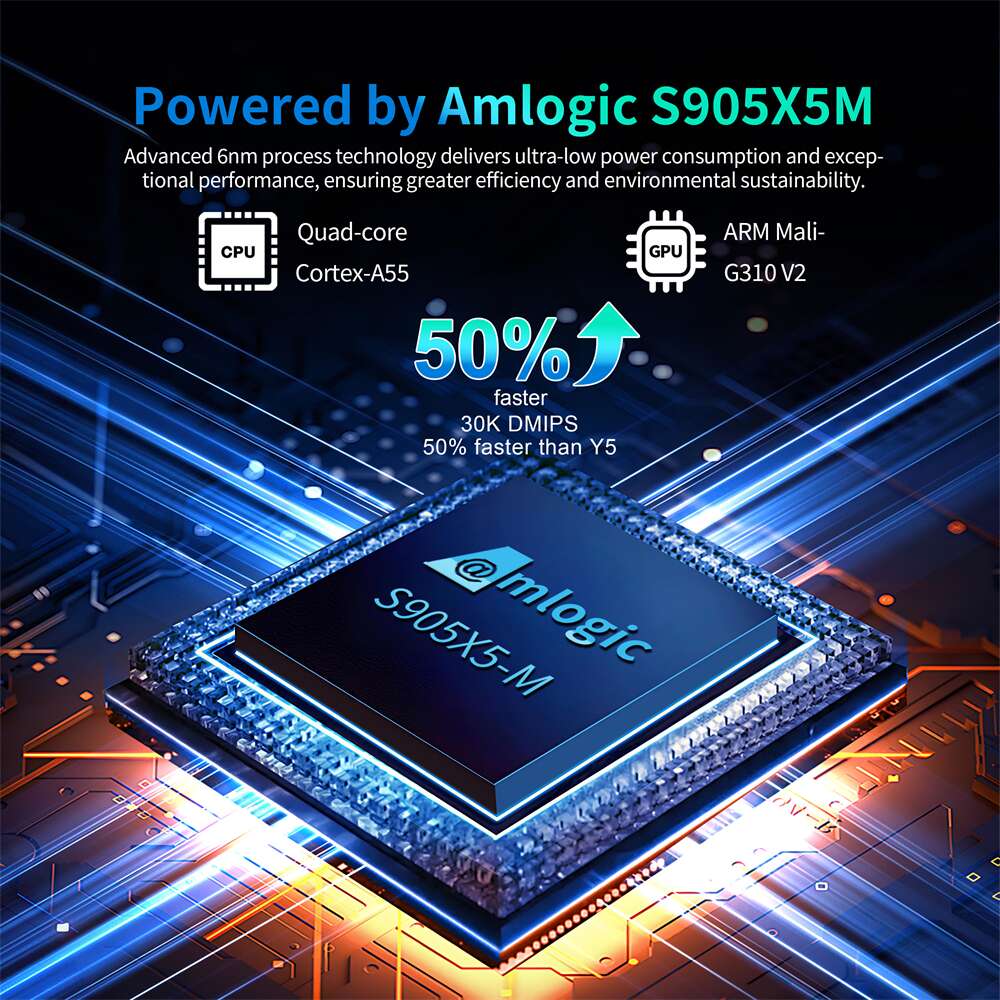
Firmware-level kiosk locking depends on chip vendor source code support. Our Amlogic platforms including S905X4, S905Y5 and S922X support full AOSP-based deep kiosk customization. Lower-end chips with limited source availability only support lightweight software kiosk locking and are not recommended for large commercial fleets.
Frequently Asked Questions for Kiosk Mode OEM Project Buyers
Q1: What is the difference between software kiosk lock and firmware-level kiosk customization in terms of delivery?
A: Software lock only installs an APK on stock firmware; firmware customization is built from AOSP source code, delivered as full flashed firmware image, pre-baked into devices before shipment.
Q2: MOQ, sample lead time and firmware development cycle?
A: Firmware customization MOQ starts at 1000 units. Hardware samples can be shipped within 3–7 working days. Custom firmware development normally takes 15–30 working days based on function scope, followed by validation test before mass production.
Q3: What warranty and technical support is included for kiosk firmware projects?
A: 1-year hardware factory warranty. We provide firmware bug fixes and OTA technical support during project deployment; long-term maintenance contract is optional for large fleets.
Q4: Can we integrate our own MDM platform with the kiosk locked system?
A: Yes. Our firmware-level kiosk solution supports custom MDM API integration for remote asset monitoring, content push and batch configuration management.