From Boot Logo to Launcher: A Complete Guide to TV Box Software Customization
Ask ten buyers what "software customization" means and you will get ten different answers. For one, it means replacing the boot animation with the brand logo. For another, it means rewriting the entire launcher experience. For a third, it means building a managed device platform with remote configuration and fleet-wide updates. All three are legitimate interpretations, and the gap between them represents a wide range of cost, timeline, and technical difficulty.
The confusion is understandable. Software customization sits at the intersection of marketing ambition and engineering reality, and suppliers rarely explain where the boundary lies. A sales representative will happily agree that "yes, we can customize the software," without clarifying whether that means changing a PNG file or developing a new system application from scratch. The result is a predictable pattern of misunderstandings, revised quotations, and delayed launches.
This guide walks through the full stack of TV Box software customization, layer by layer, from the moment the device powers on to the moment the user interacts with content. For each layer, it explains what is technically involved, what the commercial implications are, and what buyers should specify in their requirements documentation. The goal is to give procurement and product teams a shared vocabulary with their engineering counterparts, so that scoping conversations produce accurate estimates rather than optimistic guesses.
A Layered View of TV Box Software
It helps to think of TV Box software as a stack rather than a single deliverable. Each layer sits on top of the one below it, and each has different customization characteristics in terms of cost, risk, and maintainability.
| Layer | Typical Contents | Customization Difficulty |
|---|---|---|
| Bootloader | Low-level initialization, boot verification | Very high; rarely modified |
| Kernel and drivers | Hardware abstraction, peripheral support | High; requires vendor BSP expertise |
| Android framework | System services, permissions, APIs | High; affects system stability |
| Boot visuals | Logo, animation, startup sequence | Low; straightforward asset replacement |
| Launcher | Home screen, navigation, content discovery | Medium to high; application development |
| Preinstalled applications | Bundled apps, default settings | Low to medium; configuration work |
| OTA and management | Update infrastructure, device management | Medium to high; server-side component |
Buyers who understand this layering can scope projects accurately and avoid requesting changes that conflict with lower layers. They can also prioritise: if the budget is limited, spending it on boot visuals and preinstalled applications delivers visible brand differentiation at modest cost, while launcher development delivers deeper differentiation at considerably higher investment.
Layer One: Boot Logo and Startup Sequence
The boot logo is the first thing a user sees and the most commonly requested customization. It is also the least technically demanding, which is why it is often bundled into OEM quotations at no additional charge.
What Can Be Changed
- Static logo displayed during early boot stages
- Animated boot sequence, including video or frame-based animation
- Boot sound, where the platform supports audio during startup
- Shutdown animation and power-off visuals
- Recovery mode branding where applicable
Technical Considerations
Boot visuals are stored in specific partitions or asset directories, and their format requirements vary by SoC platform. Resolution must match the display output configuration, and aspect ratio errors produce stretched or letterboxed results. Animation frame rates must be balanced against boot time, since an overly long animation delays the user experience and may be perceived as slow startup.
Buyers should provide assets in the correct resolution and format rather than asking the manufacturer to recreate artwork. Supplying a low-resolution logo and expecting a crisp result is a common and avoidable problem.
Commercial Notes
Boot logo customization typically has minimal impact on development cost or timeline. It should be treated as a standard OEM deliverable, not a premium service. If a supplier quotes a significant engineering fee for logo replacement alone, that is worth questioning.
Layer Two: Launcher and Home Screen Experience
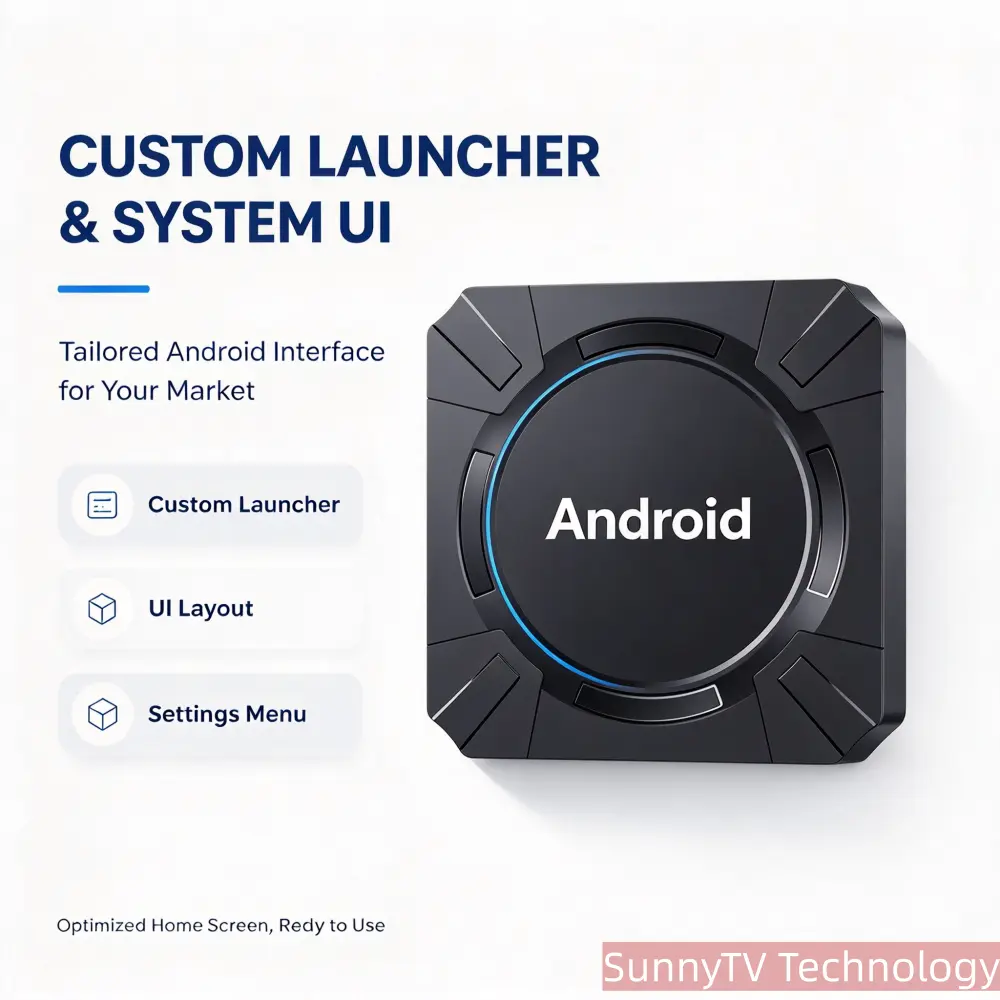
The launcher is where brand differentiation becomes substantive. It governs navigation, content presentation, and the overall impression of the product. Launcher work spans a wide spectrum, from cosmetic reskinning to full application development.
Levels of Launcher Customization
| Level | Description | Typical Effort |
|---|---|---|
| Reskin | Wallpaper, icons, colour scheme changes | Low |
| Layout rearrangement | Reordered rows, removed sections, custom shortcuts | Low to medium |
| Feature modification | Added settings panels, custom app drawer behaviour | Medium |
| Custom launcher development | New application built from the ground up | Medium to high |
| Content-integrated platform | Launcher tied to backend content and account systems | High |
Technical Considerations
A custom launcher is an Android application, which means it follows standard Android development practices but must also integrate with system-level behaviours such as input handling, wake-from-sleep, and default application designation. A launcher that does not correctly handle remote control input or fails to register as the default home application produces a poor user experience regardless of visual quality.
Performance matters more on TV Box hardware than on mobile devices. Launchers that load content slowly, animate poorly, or consume excessive memory degrade the perceived quality of the entire product. Buyers should require performance testing on the target hardware configuration, not just functional testing.
Commercial Notes
Custom launcher development is a genuine engineering project with corresponding cost and timeline. Buyers should expect a defined development phase, sample builds for review, and a testing cycle. Attempting to compress this into a short timeline typically produces a launcher that functions but does not perform well.
Where the launcher will be maintained over time, buyers should clarify ongoing support terms. Launcher compatibility with future firmware updates is not automatic and requires planning.
Layer Three: Preinstalled Applications and Default Configuration
Preinstalled applications shape the out-of-box experience and are frequently used to establish content partnerships or promote specific services.
What Falls Into This Layer
- Bundled streaming, utility, or regional applications
- Default language, region, and time zone settings
- Default wallpaper, theme, and display configuration
- Account provisioning and first-run setup flows
- Removal or disabling of unwanted stock applications
- Custom settings menus and restricted access modes
Technical Considerations
Not all applications can be legally or technically bundled. Licensing terms vary, and some applications require certification or regional availability checks. Applications that depend on Google services require appropriate certification, which is a separate and often underestimated process.
Removing stock applications is not always straightforward. Some system applications are tightly integrated and their removal affects system stability. Buyers should specify which applications must be removed and accept that the manufacturer may recommend disabling rather than deleting in certain cases.
Commercial Notes
Preinstalled application configuration is generally low-cost customization, but it carries legal and certification implications that buyers should not ignore. Assuming that any application can be freely bundled is a common source of compliance problems after launch.
Layer Four: Firmware, Kernel, and System-Level Modification
Below the application layer sits the operating system itself. Customization here is less visible to users but often necessary for specialized deployments.
Typical Requirements at This Layer
- Kernel module integration for custom peripherals
- Driver development or modification
- System service configuration and permission changes
- Root access provisioning for managed deployments
- Boot behaviour modification, such as auto-launch of a specific application
- Partition layout adjustment for storage or recovery requirements
Technical Considerations
System-level modification requires access to the platform BSP and the expertise to work within it. This capability is not universal among TV Box manufacturers; many operate at the application layer only and rely on vendor-provided firmware images without modification.
Changes at this layer also affect maintainability. A modified kernel or framework must be re-validated whenever the underlying platform is updated, which increases long-term support burden.
Commercial Notes
Buyers requiring system-level customization should verify in-house engineering capability directly, since this is the layer where suppliers most often overstate their abilities. Specific questions about kernel modification and driver development separate capable manufacturers from assemblers.
Layer Five: OTA Updates and Device Management
Once devices are deployed, the ability to update and manage them becomes a product requirement rather than a convenience.
Core Capabilities
- Over-the-air firmware update delivery
- Update verification and rollback handling
- Staged rollout to limited device populations
- Remote configuration and settings management
- Device health monitoring and diagnostics
- Application installation and removal at scale
Technical Considerations
OTA infrastructure involves both client-side and server-side components. The client must reliably download, verify, and apply updates without bricking devices. The server must manage device populations, track update status, and support rollback when updates cause problems.
Buyers have two broad options: use the manufacturer's OTA infrastructure, or integrate with their own or a third-party device management platform. The first is simpler but creates dependency; the second requires integration work but provides greater control.
Commercial Notes
OTA capability should be discussed early, because it affects firmware architecture. Retrofitting OTA support to a firmware image designed without it is considerably more difficult than building it in from the start.
DRM and Content Certification
Products intended to stream protected content require DRM support, and this is an area where technical requirements intersect directly with commercial partnerships.
Widevine is the most commonly required DRM system for streaming devices, and support levels differ by platform and certification status. Content providers often require specific Widevine security levels before granting access to their catalogues. Google certification, where applicable, is a related requirement that affects access to Google services and the Play Store.
Buyers should clarify DRM requirements at the planning stage rather than after hardware selection. Not all SoC platforms support all DRM levels, and certification processes have their own timelines.
Scoping a Software Customization Project
Accurate scoping is the difference between a smooth project and a contentious one. The following approach helps both parties align expectations.
Define Deliverables in Writing
Each customization item should be described in terms of observable behaviour, not intention. "Custom launcher" is not a specification. "Launcher with three content rows, custom settings panel, no stock application shortcuts, and full remote control navigation" is a specification.
Establish Acceptance Criteria
For each deliverable, define how acceptance will be determined. This may involve functional test cases, performance thresholds, or visual comparison against approved mockups.
Agree on the Review Cycle
Software development requires iteration. Buyers should expect intermediate builds for review and should plan internal testing time accordingly. Attempting to review a complete firmware build for the first time at the end of the project guarantees a rushed and incomplete evaluation.
Clarify Ownership and Maintenance
Who owns the custom launcher source code? What happens when the underlying Android version changes? What is the cost of future modifications? These questions should be answered before development begins, not after.
Common Pitfalls in TV Box Software Customization
Certain problems recur across projects, and awareness of them helps buyers avoid repetition.
- Treating all customization as equivalent, which leads to unrealistic cost and timeline expectations
- Requesting system-level changes without verifying supplier capability
- Providing low-quality brand assets and expecting professional output
- Ignoring DRM and certification requirements until late in the project
- Failing to define acceptance criteria, leaving quality to interpretation
- Skipping performance testing on actual target hardware
- Assuming that future firmware updates will preserve customizations automatically
Conclusion
TV Box software customization is a layered discipline, and each layer carries distinct technical and commercial implications. Boot visuals are inexpensive and straightforward. Launcher development is a genuine engineering project. Firmware and kernel work requires platform-level expertise. OTA infrastructure and DRM support affect the architecture of the entire product.
Buyers who understand these layers can scope projects accurately, ask precise questions, and allocate budget where it delivers the most differentiation. Buyers who treat software customization as a single vague request tend to encounter revised quotations, extended timelines, and products that do not match the original vision.
A productive approach is to start with the layers that deliver visible differentiation at low cost, validate the supplier's engineering capability on those, and then expand into deeper customization once the working relationship is proven. This sequence manages risk while building toward a differentiated product.
For inquiries regarding TV Box software customization, launcher development, firmware modification, OTA infrastructure, and OEM or ODM project scoping, please visit https://customtvbox.com to discuss your requirements with our team.

Share your thoughts
All fields marked with an asterisk() are required